Log In
softwarebay.de
softwarebay.de

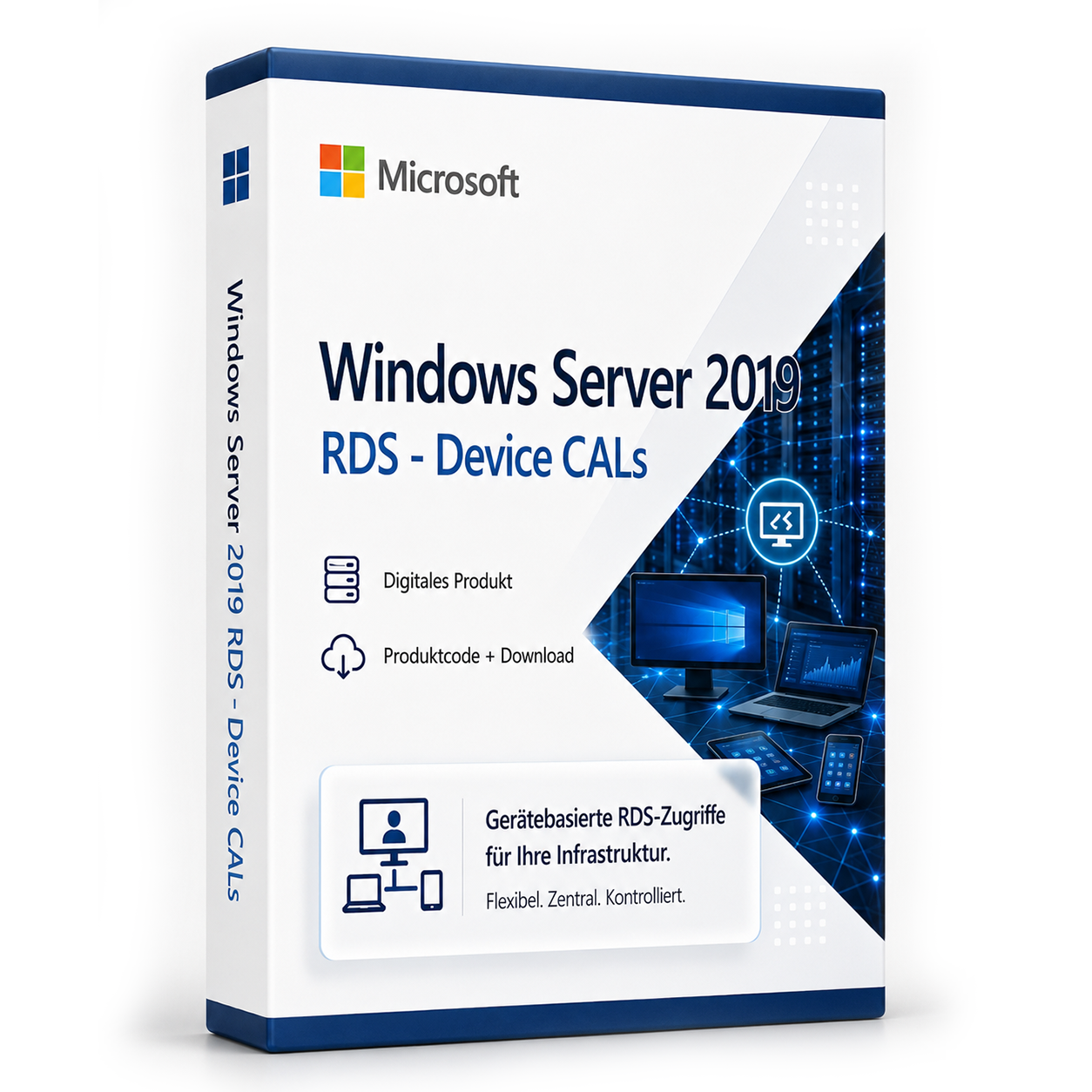
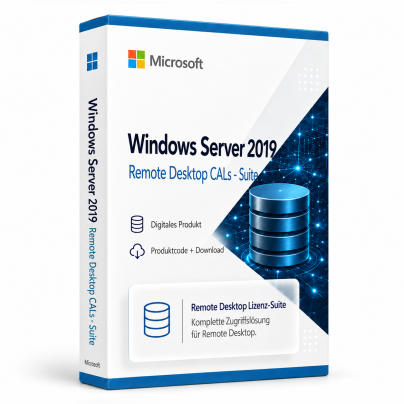
Microsoft Windows Server 2019 RDS – Device CALs

$ 43,19
incl. 19% VAT
Share on social media:
Currently viewed: 39 In carts: 12

Microsoft Windows Server 2019 RDS – Device CALs is a digital product code designed for utilizing Remote Desktop Services on Windows Server 2019. This product allows multiple users to access a server and run applications, making it particularly beneficial for businesses and organizations.

With this product code, you can efficiently use Remote Desktop Services, simplifying the management of user sessions and applications, ideal for companies needing a flexible and scalable server solution.

  • email Digital delivery via email and customer account after payment confirmation
  • download Software download directly from manufacturer
  • description Detailed activation instructions included
  • cloud_done Purely digital product without physical media
  • support_agent Support available for installation and activation
  • verified_user Product code accessible anytime in customer account
check_circle Can be activated in your region

Shipping Costs: Free (Digital)

Delivery Contents: Product Code & Software Download

Condition: New

Availability: In Stock (Digital Delivery)

SKU: 0889842427202

Article number: 409

Type: Product Code

Brand: Microsoft

Region: GLOBALGlobalEUEurope

Platform: PCPCMicrosoft AktivierungsassistentMicrosoft Aktivierungsassistent

info

Important Information about Downloads

All downloads provided here are trial versions until activated and require a valid license. Activate the software using the purchased product code as described in the "Installation & Activation" tab.

info

No downloads are currently available for this product.

description Installations- und Aktivierungsanleitung

Anleitung für RDS User/Device CAL

Aktivierung

  Diese Anleitung kann für Windows Server 2016, 2019 und 2022 angewendet werden.

Der Remotedesktopdienste-Lizenzserver gibt Clientzugriffslizenzen (Client Access Licenses, CALs) für Benutzer und Geräte aus, wenn diese auf den RD-Sitzungshost zugreifen.

Du kannst den Lizenzserver mit dem Remotedesktoplizenzierungs-Manager aktivieren.

Installieren der Rolle „Remotedesktoplizenzierung“ Melde dich mit einem Administratorkonto bei dem Server an, den du als Lizenzserver verwenden möchtest.

Klicke im Server-Manager auf Rollenübersicht und dann auf Rollen hinzufügen.

Klicke auf der ersten Seite des Rollen-Assistenten auf Weiter.

Wähle Remotedesktopdienste aus, und klicke dann auf Weiter und auf der Seite für Remotedesktopdienste ebenfalls auf Weiter.

Wähle Remotedesktoplizenzierung aus, und klicke dann auf Weiter.

Konfiguriere die Domäne: Wähle Konfigurieren eines Suchbereichs für diesen Lizenzserver aus, und klicke auf Diese Domäne und dann auf Weiter.

Klicken Sie auf Installieren.

Aktivieren des Lizenzservers Öffnen Sie den Remotedesktoplizenzierungs-Managers: Klicken Sie auf Start > Verwaltung > Remotedesktopdienste > Remotedesktoplizenzierungs-Manager.

Klicke mit der rechten Maustaste auf den Lizenzserver, und klicke dann auf Server aktivieren.

Klicke auf der Startseite auf Weiter.

Wähle als Verbindungsmethode die Option Automatische Verbindung (empfohlen) aus, und klicke dann auf Weiter.

Gib die Unternehmensinformationen (deinen Namen, den Unternehmensnamen, deine geografische Region) ein, und klicke dann auf Weiter.

Gib optional weitere Unternehmensinformationen (etwa E-Mail-Adresse und Unternehmensadresse) ein,und klicke dann auf Weiter.

Stelle sicher, dass Assistent für die Lizenzinstallation starten nicht ausgewählt ist. (Wir installieren die Lizenzen später.) Klicke dann auf Weiter.

Der Lizenzserver kann jetzt zum Ausstellen und Verwalten von Lizenzen verwendet werden.

translate Some reviews may have been automatically translated.
rate_review

No Reviews Yet

Write a Review

star_border star_border star_border star_border star_border
Klicken Sie auf die Sterne um zu bewerten
Ihre E-Mail wird nicht veröffentlicht

Product Description

Microsoft Windows Server 2019 RDS – Device CALs is a product code that enables devices to access the Remote Desktop Services of Windows Server 2019. This offering is tailored for businesses requiring centralized management of applications and user sessions. It addresses the challenges of user management, allowing seamless access to server resources from various devices.

This is a retail product without subscription commitments. With this product code, you can leverage the benefits of Remote Desktop Services to create an efficient work environment that allows access to applications and data from multiple locations.

The core features include support for multiple user sessions, centralized management of applications on a single server, and the capability to access the server from various devices. This product is especially useful for companies promoting remote work or requiring a flexible IT infrastructure.

Main Features

  • Support for multiple simultaneous user sessions
  • Centralized management of applications and user data
  • Flexible access to server resources from various devices
  • Enhanced security features for remote access
  • Integration into existing Windows Server environments

Who Is This Product For?

This product is aimed at businesses and organizations looking to utilize Remote Desktop Services to enable their employees' access to applications and data.

  • Companies with multiple locations
  • IT departments requiring centralized management
  • Organizations that wish to support remote work

Technical Details

PropertyDetails
ManufacturerMicrosoft
Version2019
PlatformPC, Microsoft Activation Assistant

System Requirements

ComponentRequirement
Device TypePC or Server
CPU1.4 GHz 64-bit processor compatible with x64 instruction set
RAMMinimum 2 GB for Server Core, 2 GB for Server with Desktop Experience; Recommended 4 GB
StorageAt least 32 GB of free space
NetworkEthernet adapter with at least 1 Gbps throughput

Delivery and Activation

  • Product Code Access: The digital product code will be sent via email after payment is received and is also accessible in your customer account (or guest portal).
  • Download: Software download link will be provided after purchase.
  • Activation Guide: A detailed step-by-step guide for activation will be sent via email and is available in the customer account/guest portal.
  • Includes: Product key, download link, activation guide.
  • Note: Purely digital product without physical media (no USB stick, no DVD).

Frequently Asked Questions

How do I receive my product code?
The product code will be sent via email after payment is received and is also available in your customer account (or guest portal for guests). The activation guide and download link are also stored there.

How does activation work?
Follow the provided step-by-step guide. You will download the software and activate it using the received product key.

Note: softwarebay.de operates as an independent retailer of software product codes. This specialization allows us to offer you original activation keys at particularly attractive prices.

Live-Support verfügbar
Tiara S.
Tiara S.
check_circle Brasov
Hallo! 👋 Ich bin Tiara. Haben Sie Fragen zu unseren Produkten oder benötigen Sie Hilfe?
chat_bubble