


 Digital Product
Microsoft Windows 10 Home
$ 26,99
incl. 19% VAT (DE)
We have pre-selected English and US Dollar ($) for you.
 English (US)
 Deutsch
English (US)
Deutsch
English (US)
 Română

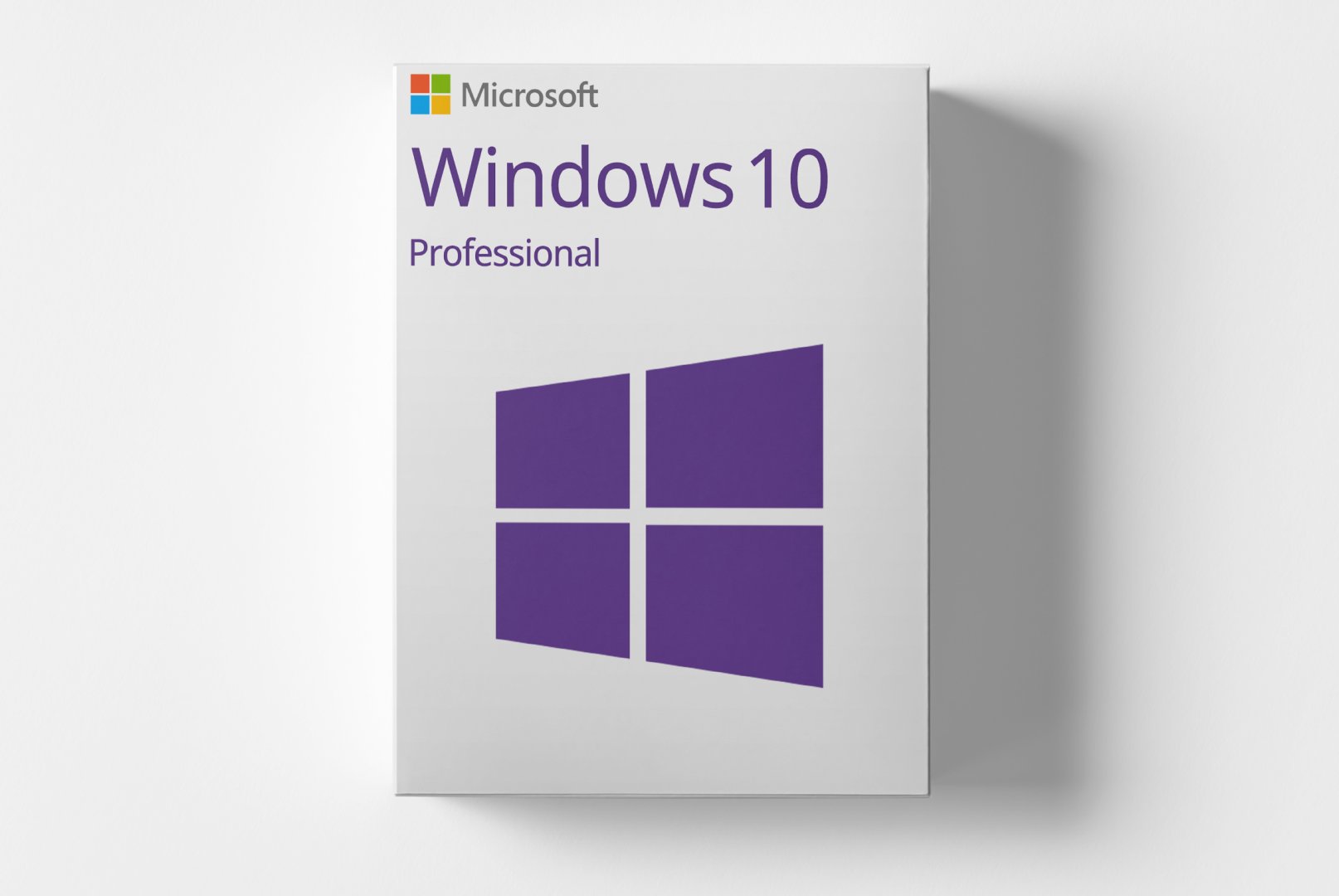
Microsoft Windows 10 Professional is a digital product designed for users who require advanced features and security options. This product allows you to install and activate the operating system on a PC, creating a productive and secure work environment.
With functionalities such as Group Policy Management, Remote Desktop support, and BitLocker drive encryption, Windows 10 Pro offers a comprehensive solution for businesses and professional users. It is suitable for small and medium enterprises, IT professionals, and anyone looking for a reliable and powerful software solution.
Shipping Costs: Free (Digital)
Delivery Contents: Product Code & Software Download
Condition: New
Availability: In Stock (Digital Delivery)
SKU: 0885370920857
Article number: 212
Type: Product Code
License model: Digital license key
Brand: Microsoft
Languages: German, English, Spanish, French, Italian, Norwegian, Romanian, Swedish
Region:
 Global
All downloads provided here are trial versions until activated and require a valid license. Activate the software using the purchased product code as described in the "Installation & Activation" tab.
ISO-Datei - 32-Bit Version
ISO-Datei - 64-Bit Version
No installation guide is currently available for this product.
No Reviews Yet
Microsoft Windows 10 Professional is the professional version of the Windows 10 operating system, aimed at businesses and demanding users. It offers a variety of features specifically designed to enhance productivity and security in a modern work environment.
This product allows you to install and activate Windows 10 Pro on a PC. It is a retail product without subscription binding, giving you the freedom to use the operating system according to your needs.
Windows 10 Pro offers an improved user interface and numerous features beneficial for businesses. These include Group Policy Management, which enables IT administrators to control settings centrally, and Remote Desktop support, allowing access to your PC from anywhere. Additionally, BitLocker drive encryption provides extra protection for your data.
Windows 10 Professional is designed for business customers, IT professionals, and advanced private users who need enhanced functionalities.
| Feature | Details |
|---|---|
| Manufacturer | Microsoft |
| Edition | Professional |
| Component | Requirement |
|---|---|
| Device Type | PC (Desktop or Laptop) |
| CPU | 1 GHz or faster processor or SoC |
| RAM | 1 GB for 32-bit or 2 GB for 64-bit |
| Storage | 16 GB for 32-bit or 20 GB for 64-bit |
| Graphics | DirectX 9 or later with WDDM 1.0 driver |
| Display | 800 x 600 pixels |
| Note | Not suitable for Android devices, Mac, iOS, or other non-Windows systems |
How do I receive my product code?
The product code will be sent via email upon payment and is also available in your customer account (or guest portal for guests). The activation guide and download link are also included there.
How does activation work?
Follow the included step-by-step guide. You will download the software and activate it using the provided product key.
Note: softwarebay.de operates as an independent reseller of software product codes. This specialization allows us to offer you original activation keys at particularly attractive prices.
Digital Product
 Digital Product
 Digital Product
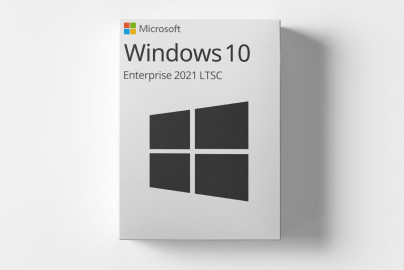 Digital Product