Product Description
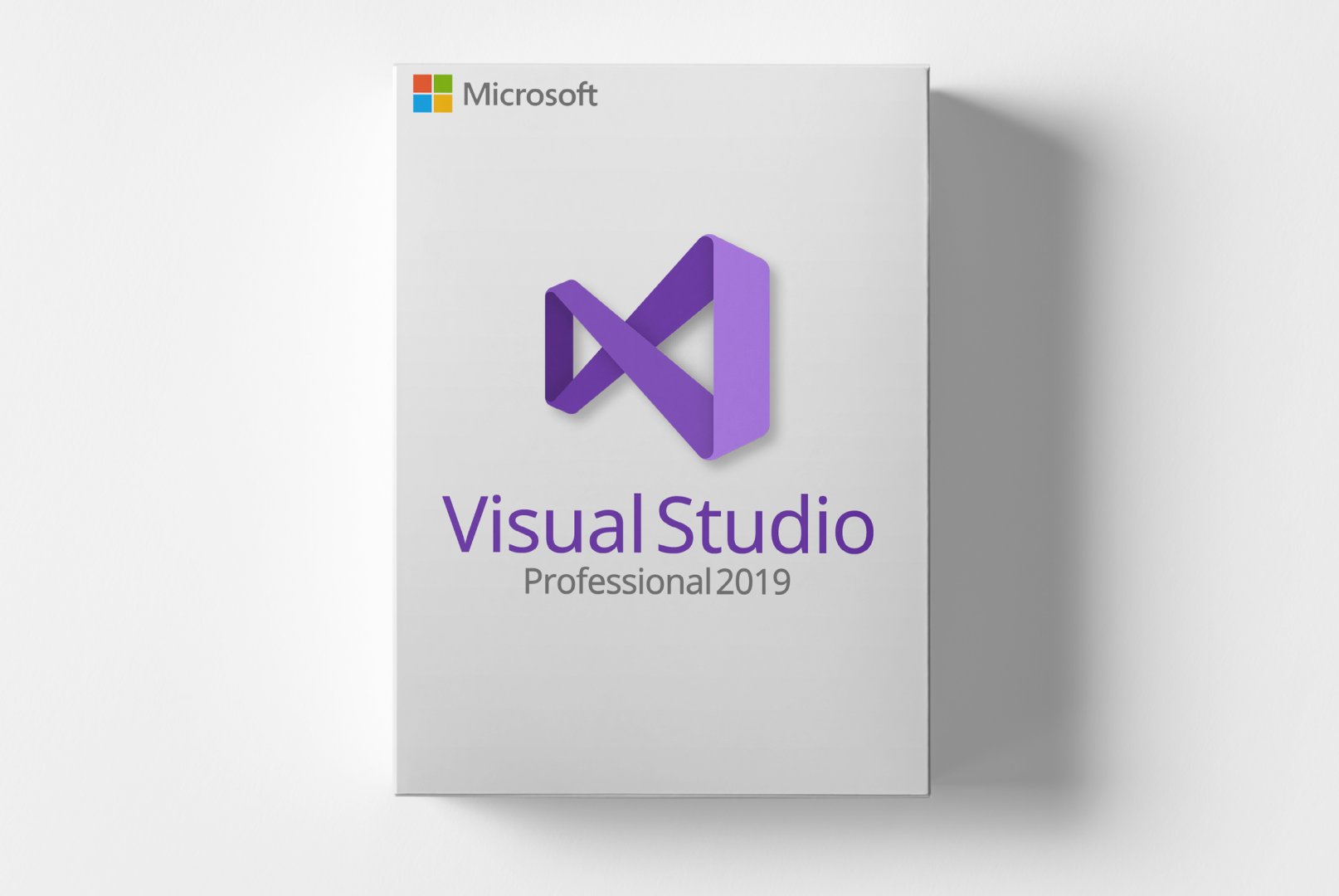
Microsoft Visual Studio 2019 Professional is a comprehensive development environment designed for software developers and IT professionals. This version offers a wide range of features that support the entire development process, from planning to delivering applications.
Visual Studio 2019 Professional facilitates application development for multiple platforms, including web, desktop, and mobile devices. Its user-friendly interface and powerful tools like IntelliSense and debugging options help developers work more efficiently and produce high-quality software.
Main Features
- IntelliSense: Automatic code completion and suggestions to enhance productivity.
- Debugging Tools: Powerful features for troubleshooting and fixing issues in applications.
- Git Integration: Support for version control and team collaboration.
- Azure DevOps: Seamless integration for project management and application deployment.
- Extensible Platform: Support for a variety of extensions and plugins to customize the development environment.
Who Is This Product For?
Visual Studio 2019 Professional is aimed at software developers who need powerful tools for application creation and companies looking to optimize their development processes.
- Professional software developers working on complex projects.
- IT teams seeking an efficient development environment.
- Businesses that aim to deliver their software solutions quickly and reliably.
Technical Details
| Property | Details |
|---|
| Manufacturer | Microsoft |
| Edition | Professional |
| Version | 2019 |
| Platform | Windows |
System Requirements
| Component | Requirement |
|---|
| Operating System | Windows 10 (Version 1909 or higher), Windows 11 |
| Processor | Quad-core processor, 2.6 GHz or faster recommended |
| RAM | 8 GB (16 GB recommended) |
| Disk Space | 20-50 GB available (depending on components) |
| Screen Resolution | 1366 x 768 or higher (1920 x 1080 recommended) |
| Graphics Card | DirectX 11 compatible |
| Internet Connection | Required for installation and activation |
Delivery and Activation
- Product Code Access: The digital product code will be sent via email upon payment confirmation and will also be available in your customer account (or guest portal).
- Download: Software download link will be provided after purchase.
- Activation Guide: A detailed step-by-step activation guide will be sent via email and is available in your customer account/guest portal.
- Included: Product key, download link, activation guide.
- Note: Purely digital product with no physical media (no USB stick, no DVD).
Frequently Asked Questions
How do I receive my product code?
The product code will be sent via email upon payment confirmation and will also be available in your customer account (or guest portal for guests). The activation guide and download link are also provided there.
How does activation work?
Follow the included step-by-step guide. You will download the software and activate it using the provided product key.
Note: softwarebay.de operates as an independent retailer for software products. This specialization allows us to offer you original activation keys at particularly attractive prices.


 Global
 Digital Product