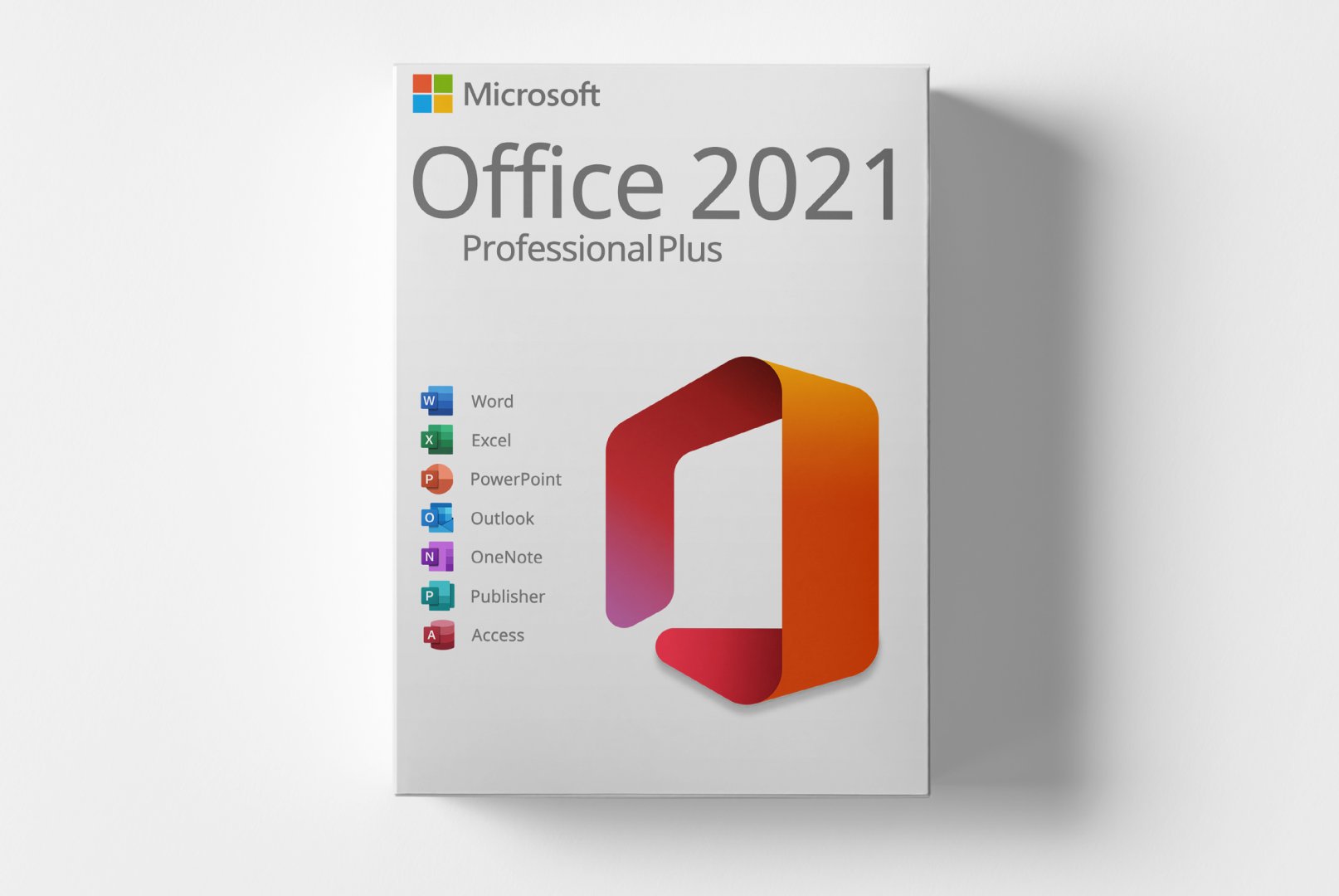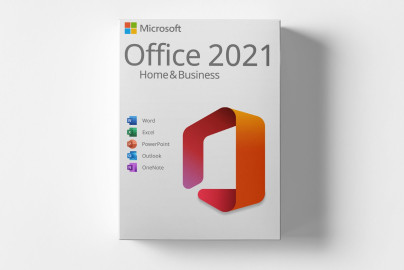
Microsoft Office 2021 Professional Plus
Microsoft Office 2021 Professional Plus is a comprehensive software solution designed for businesses and professionals who require a wide range of applications for office tasks. This digital product key grants access to powerful tools for creating documents, spreadsheets, and presentations.
With features like enhanced data analysis in Excel, modern templates in Word, and expanded presentation options in PowerPoint, Office 2021 offers a user-friendly interface and numerous customization possibilities. This software is ideal for businesses, freelancers, and self-employed individuals looking to boost their productivity.
- Digital delivery via email and customer account after payment confirmation
- Software download directly from manufacturer
- Detailed activation instructions included
- Purely digital product without physical media
- Support available for installation and activation
- Product code accessible anytime in customer account
Shipping Costs: Free (Digital)
Delivery Contents: Product Code & Software Download
Condition: New
Availability: In Stock (Digital Delivery)
SKU: 0889842856354
Article number: 243
Type: Product Code
Brand: Microsoft
Region:
Platform:
Important Information about Downloads
All downloads provided here are trial versions until activated and require a valid license. Activate the software using the purchased product code as described in the "Installation & Activation" tab.
Microsoft Office 2021 Professional Plus Offline Installer (ISO) (x86)
Offizielle Installationsdatei - 32-Bit Version
Microsoft Office 2021 Professional Plus Offline Installer (ISO) (x64)
Offizielle Installationsdatei - 64-Bit Version
Installations- und Aktivierungsanleitung
1️⃣ Schritt: System bereinigen Bevor Sie mit der
Installation
von Microsoft Office 2021 Professional Plus beginnen, müssen alle vorhandenen Office-Versionen vollständig entfernt werden, um
Installation
s- oder
Aktivierung
sfehler zu vermeiden.
Microsoft stellt dafür ein offizielles Tool bereit, das Sie hier herunterladen können: 👉 Download Microsoft Fix-It Tool Direkter Download des Tools: class="wiki-code">SetupProd_OffScrub.exe Link 2️⃣ Schritt: Office 2021 herunterladen Sobald alle alten Versionen entfernt sind, können Sie Microsoft Office 2021 Professional Plus herunterladen.
Besuchen Sie dazu unser Download-Portal.
Klicken Sie dort auf „Microsoft Office“ → „Microsoft Office 2021 Professional Plus – Deutsch“ und anschließend auf den Download-Button.
Sie werden automatisch zum Cloud-Anbieter weitergeleitet.
Dort wählen Sie je nach System die passende Version: → Office_2021_DE_32Bits.exe oder Office_2021_DE_64Bits.exe Bitte warten Sie, bis der Download vollständig abgeschlossen ist.
3️⃣ Schritt:
Installation
starten Starten Sie die
Installation
durch einen Doppelklick auf die heruntergeladene Setup-Datei (je nach System 32- oder 64-Bit).
Klicken Sie auf „Trotzdem ausführen“, um die
Installation
fortzusetzen.
4️⃣ Schritt: Dateien extrahieren &
Installation
abschließen Wählen Sie nun den Zielordner aus, in den die Office-Dateien extrahiert werden sollen.
Klicken Sie anschließend auf „Install“, um die Dateien zu entpacken.
Nach Abschluss der Extraktion startet das Setup automatisch und installiert alle erforderlichen Komponenten.
Ihr Microsoft Office 2021 Professional Plus wurde erfolgreich installiert.
5️⃣ Schritt:
Aktivierung
5.1 Die
Aktivierung
erfolgt, sofern in der Bestell-E-Mail nicht anders angegeben, über den Office-
Aktivierung
sassistenten – nicht über setup.office.com.
5.2 Öffnen Sie nach der
Installation
eine Anwendung (z.
B.
Word oder Excel).
Der
Aktivierung
sassistent öffnet sich automatisch.
5.3 Haben Sie eine Telefonaktivierung erworben, folgen Sie bitte dieser Anleitung: 👉 Telefonische
Aktivierung
– Anleitung
5.4 Bei einer regulären Online-Lizenz wählen Sie „Ich möchte die Software über das Internet aktivieren“ → klicken Sie auf „Weiter“.
5.5 Geben Sie im nächsten Fenster Ihren Produktschlüssel ein und schließen Sie die
Aktivierung
ab. 🔧 Weitere Hilfe &
Fehlermeldung
en Fehler:Dieser Produktkey ist für eine Volumenlizenzversion, die derzeit nicht installiert ist.
Fehler:Die Ausführung des Codes kann nicht fortgesetzt werden (VCRUNTIME140.dll / VCRUNTIME140_1.dll fehlt).
No Reviews Yet
Write a Review
Product Description
Microsoft Office 2021 Professional Plus is the latest version of the renowned office software tailored for businesses and professional users. This software suite provides a multitude of applications essential for creating, editing, and managing documents, spreadsheets, and presentations.
This is a retail product key without subscription commitment. The product allows you to install and use the software on a PC without worrying about recurring payments.
Office 2021 Professional Plus includes applications such as Word, Excel, PowerPoint, Outlook, and more, all designed to enhance productivity and facilitate collaboration. With new features and improvements in each application, users can work more efficiently and bring their creative ideas to life.
Main Features
- Word: Enhanced word processing with modern templates and layout options
- Excel: Advanced data analysis tools and new chart types for better visualizations
- PowerPoint: New presentation features and design ideas for engaging slides
- Outlook: Improved email and calendar functions for efficient communication
- Teams: Integrated collaboration and communication features for teamwork
Who Is This Product For?
Microsoft Office 2021 Professional Plus is suitable for businesses, freelancers, and self-employed individuals who need a comprehensive office software package.
- Businesses that need to create documents, spreadsheets, and presentations
- Freelancers who require professional tools for their work
- Self-employed individuals looking to enhance their productivity
Technical Details
| Feature | Details |
|---|---|
| Manufacturer | Microsoft |
| Edition | Professional |
| Version | 2021 |
| Platform | PC, Windows |
System Requirements
| Component | Requirement |
|---|---|
| Operating System | Windows 10 or Windows 11 |
| Processor | Dual-core processor with 1.6 GHz or faster |
| RAM | 4 GB (8 GB recommended) |
| Hard Disk Space | 4 GB available |
| Screen Resolution | At least 1280 x 768 pixels |
| Graphics | DirectX 9 compatible |
| Internet Connection | Required for activation and updates |
Delivery and Activation
- Product Code Access: The digital product code will be sent via email upon payment and is also accessible in your customer account (or guest portal).
- Download: Software download link will be provided after purchase.
- Activation Instructions: A detailed step-by-step guide for activation will be sent via email and is available in your customer account/guest portal.
- Included: Product key, download link, activation instructions.
- Note: Purely digital product without physical media (no USB stick, no DVD).
Frequently Asked Questions
How do I receive my product code?
The product code will be sent via email upon payment and is also available in your customer account (or guest portal for guests). The activation instructions and download link are also stored there.
How does activation work?
Follow the provided step-by-step instructions. You download the software and activate it using the received product key.
Note: softwarebay.de operates as an independent retailer for software product codes. This specialization allows us to offer you original activation keys at particularly attractive conditions.
PC
Windows