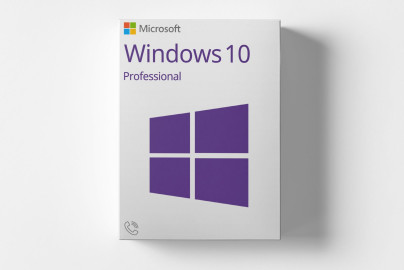
Microsoft Windows 10 Professional
19,99 €
inkl. 0% MwSt. (US)
 English (US)
 Deutsch
English (US)
Deutsch
English (US)
 English (UK)
 English (Canada)
 Română
 Français
 Italiano
 Español
 Norsk
Norsk
 Svenska
 Nederlands
 Polski
 Türkçe
 Dansk
Dansk
 Čeština
 Suomi
Suomi
 Bahasa Indonesia
 Português (Brasil)
 Русский
 한국어
한국어
 العربية
 فارسی
فارسی
 हिन्दी
 Bahasa Melayu
 Tiếng Việt
 ไทย
ไทย
 Українська
 Български
 Српски
 Hrvatski
 עברית
עברית
 Ελληνικά
 Magyar
 Lietuvių
 اردو
اردو

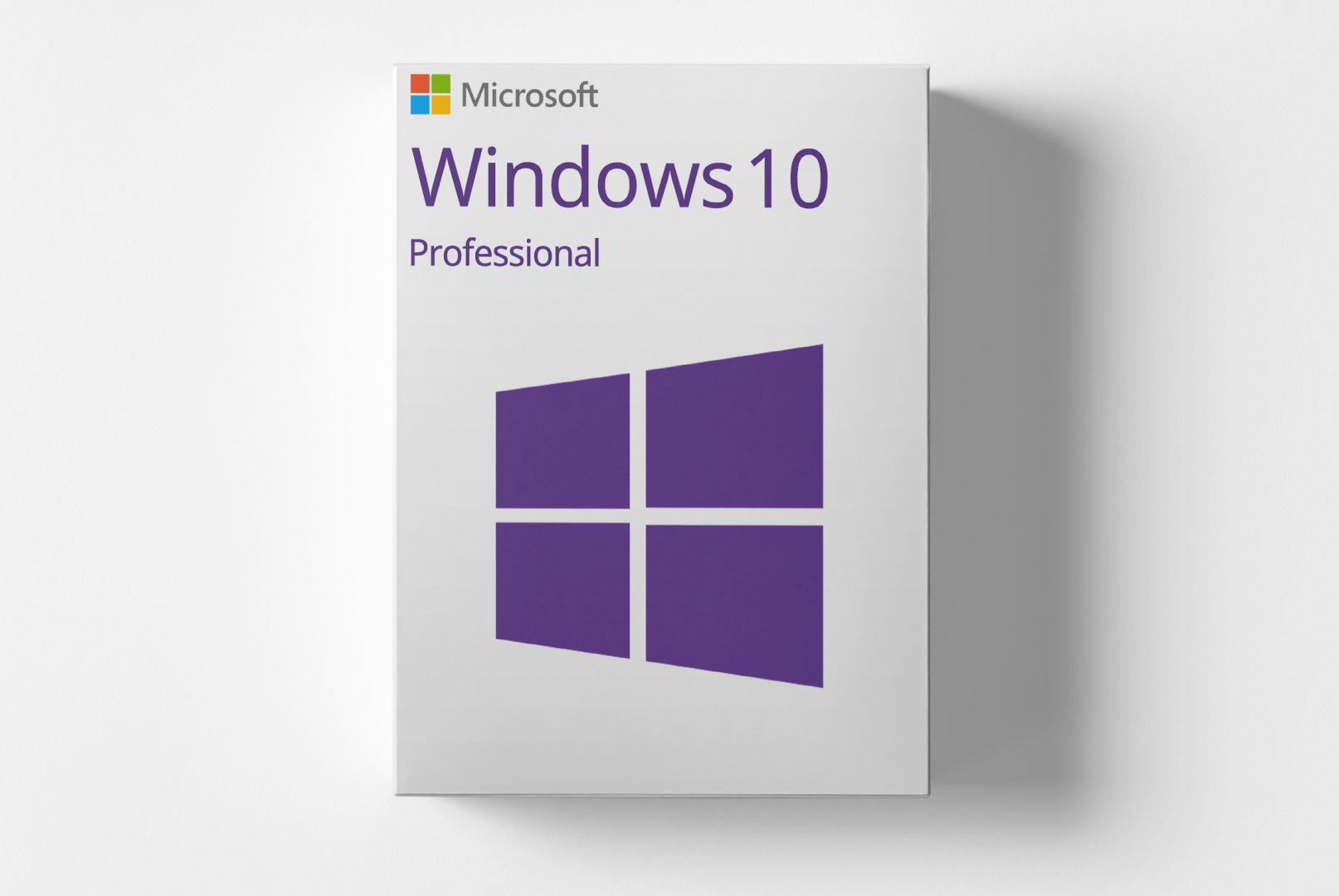
Microsoft Windows 10 Pro is the professional version of Microsoft’s widely used operating system, tailored for businesses and power users. It offers enhanced features for security, management, and network integration that are essential in modern work environments.
With capabilities such as BitLocker encryption, Remote Desktop access, and Active Directory integration, Windows 10 Pro allows for a secure and efficient IT environment. This version is particularly suited for small to medium-sized enterprises and IT professionals who require advanced security and management functionalities.
Shipping Costs: Free (Digital)
Delivery Contents: Product Code & Software Download
Condition: New
Availability: In Stock (Digital Delivery)
SKU: 00021404944417
Article number: 263
Type: Product Code
Brand: Microsoft
Region:
 Global
All downloads provided here are trial versions until activated and require a valid license. Activate the software using the purchased product code as described in the "Installation & Activation" tab.
Offizielle Installationsdatei - 32-Bit Version
Offizielle Installationsdatei - 64-Bit Version
slmgr /ipk XXXXX-XXXXX-XXXXX-XXXXX-XXXXX
slmgr /ato
slmgr /xpr
No Reviews Yet
Microsoft Windows 10 Pro is the professional edition of the Windows 10 operating system designed for business users, enterprises, and power users. Compared to the Home edition, this version provides enhanced features for security, management, and network integration that are critical in today’s work environments.
Windows 10 Pro combines a user-friendly interface with powerful business features like BitLocker encryption, Remote Desktop, Hyper-V virtualization, and the capability to join devices to an Active Directory domain. These features enable organizations to manage their IT environments securely and efficiently.
Windows 10 Pro is aimed at business customers, IT professionals, and advanced private users needing additional features.
| Feature | Details |
|---|---|
| Manufacturer | Microsoft |
| Edition | Pro |
| Component | Requirement |
|---|---|
| Device Type | PC (Desktop or Laptop) |
| CPU | 1 GHz or faster processor or SoC |
| RAM | 1 GB for 32-bit or 2 GB for 64-bit |
| Storage | 16 GB for 32-bit or 20 GB for 64-bit |
| GPU | DirectX 9 or later with WDDM 1.0 driver |
| Display | 800 x 600 pixels |
| Note | Not suitable for Android devices, Mac, iOS, or other non-Windows systems |
How do I receive my product code?
The product code will be sent via email after payment confirmation and is also available in your customer account (or guest portal for guests). The activation guide and download link are also stored there.
How does activation work?
Follow the provided step-by-step guide. You will download the software and activate it using the received product key.
Note: softwarebay.de operates as an independent retailer for software products. This specialization allows us to offer you original activation keys at particularly attractive conditions.