Microsoft Office 2013 Professional Plus
$ 15,11
inkl. 0% MwSt. (US)
We have pre-selected English and US Dollar ($) for you.
 English (US)
 Deutsch
English (US)
Deutsch
English (US)
 English (UK)
 English (Canada)
 Română
 Français
 Italiano
 Español
 Norsk
Norsk
 Svenska
 Nederlands
 Polski
 Türkçe
 Dansk
Dansk
 Čeština
 Suomi
Suomi
 Bahasa Indonesia
 Português (Brasil)
 Русский
 한국어
한국어
 العربية
 فارسی
فارسی
 हिन्दी
 Bahasa Melayu
 Tiếng Việt
 ไทย
ไทย
 Українська
 Български
 Српски
 Hrvatski
 עברית
עברית
 Ελληνικά
 Magyar
 Lietuvių
 اردو
اردو

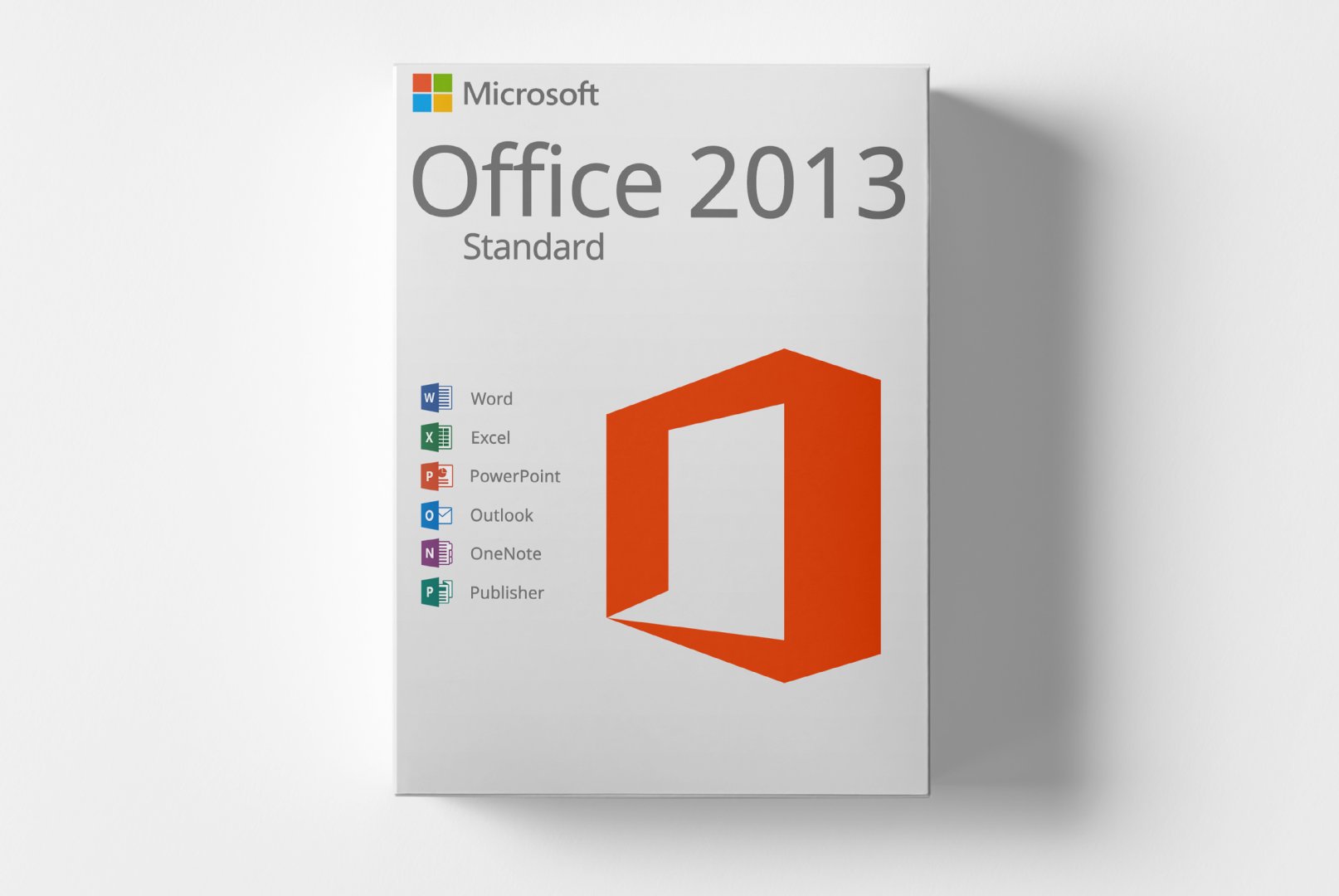
Microsoft Office 2013 Standard is a comprehensive software solution for PC users, offering a variety of applications for office work. This edition is designed for individuals and small businesses in need of efficient tools for word processing, spreadsheets, and presentations.
With applications like Word, Excel, and PowerPoint, Office 2013 Standard provides a productive work environment. The user-friendly interface and enhanced features help users complete their tasks quickly and effectively.
Ideal for students, freelancers, and small businesses looking for reliable office software.
Shipping Costs: Free (Digital)
Delivery Contents: Product Code & Software Download
Condition: New
Availability: In Stock (Digital Delivery)
SKU: 0885370507423
Article number: 255
Type: Product Code
Brand: Microsoft
Region:
 Global
Platform:
 PC
PC Windows
All downloads provided here are trial versions until activated and require a valid license. Activate the software using the purchased product code as described in the "Installation & Activation" tab.
Offizielle Installationsdatei - 32-Bit Version
Offizielle Installationsdatei - 64-Bit Version
Offizielle Installationsdatei - 32-Bit Version
Offizielle Installationsdatei - 64-Bit Version
# Bereinigen des Systems Bevor Sie Microsoft Office 2013 Standard installieren, müssen Sie erst einmal alle alten Office Anwendungen mit dem Microsoft Tool restlos von ihrem System entfernen.
class="wiki-code">SetupProd_OffScrub.exe Link 3.
Download Als nächstes müssen Sie Office 2013 Standard downloaden.
Den Download finden Sie in ihrer Bestellmail.
Bitte in der Bestellmail unten im Portal einloggen und auf Daten abrufen gehen.
Hier geht es zum Download.
Anschließend führen Sie die SETUP.exe Datei aus um die
zu starten.
5.
Sollte nach der
kein Produktcode abgefragt werden, wird eine Testversion aktiviert, welche sich nach 1-2 Wochen deaktiviert!
Um Ihr Office zu aktivieren, klicken Sie bitte im Aktiverungsassistenten auf Onlineaktivierung -> weiter -> und geben hier Ihren zugesandten Produktcode ein.
Alternativ können Sie auch ein leeres Dokument in zB.
Word, Excel.. etc. erstellen und im Menü unter Datei -> Konto -> Produktkey ändern, Ihren Produktcode eingeben.
5.1 Die
erfolgt, sofern nicht anders in der Bestellmail angegeben, über den Office
sassistenten und NICHT ÜBER setup.office.com)
5.2 Öffnen Sie nach der
eine Office-Applikation wie zB.
Word, Excel… Es wird sich der Office-
sassistent öffnen.
5.3
Haben Sie ein Produkt mit einer Telefonaktivierung erworben, fahren Sie bitte mit folgender Anleitung fort: Link
5.4 Haben Sie einen regulären (Also keinen Telefonaktivierungscode erworben) Produktcode erworben, bitte das Feld „Ich möchte die Software über das Internet aktivieren“auswählen und auf „weiter“ klicken.
5.5 Geben Sie im darauf folgenden Fenster Ihren erworbenen Produktcode ein und schließen Sie die
für Ihr Produkt ab. 'INFO:' Alternativ können Sie den Produktcode auch eingeben
No Reviews Yet
Microsoft Office 2013 Standard is a powerful office software suite specifically designed for PC users. This edition caters to individuals and small businesses seeking a comprehensive solution for their office needs. Office 2013 Standard includes a variety of applications that enable users to create documents, analyze data, and design engaging presentations.
This software solution encompasses applications like Microsoft Word, Excel, and PowerPoint, all engineered to boost productivity. With a user-friendly interface and improved functionalities, users can efficiently and effectively accomplish their tasks.
Microsoft Office 2013 Standard is targeted at a wide audience who require efficient office software.
| Feature | Details |
|---|---|
| Manufacturer | Microsoft |
| Edition | Standard |
| Version | 2013 |
| Platform | PC, Windows |
| Component | Requirement |
|---|---|
| Operating System | Windows 7 SP1, Windows 8, Windows 8.1, Windows 10 |
| Processor | 1 GHz or faster, x86/x64 |
| RAM | 2 GB (32-bit) or 4 GB (64-bit) |
| Hard Disk Space | 3 GB available |
| Screen Resolution | At least 1280 x 800 pixels |
| Graphics | DirectX 9 compatible |
| Internet Connection | Required for activation |
How do I receive my product code?
The product code will be emailed after payment confirmation and is also available in your customer account (or guest portal). The activation instructions and download link are also stored there.
How does activation work?
Follow the provided step-by-step instructions. You will download the software and activate it using the received product key.
Note: softwarebay.de acts as an independent retailer for software activation codes. This specialization allows us to offer you original activation keys at particularly attractive conditions.