Microsoft Office 2019 Professional Plus
80,96 ﷼
inkl. 0% MwSt. (US)
 English (US)
 Deutsch
English (US)
Deutsch
English (US)
 English (UK)
 English (Canada)
 Română
 Français
 Italiano
 Español
 Norsk
Norsk
 Svenska
 Nederlands
 Polski
 Türkçe
 Dansk
Dansk
 Čeština
 Suomi
Suomi
 Bahasa Indonesia
 Português (Brasil)
 Русский
 한국어
한국어
 العربية
 فارسی
فارسی
 हिन्दी
 Bahasa Melayu
 Tiếng Việt
 ไทย
ไทย
 Українська
 Български
 Српски
 Hrvatski
 עברית
עברית
 Ελληνικά
 Magyar
 Lietuvių
 اردو
اردو

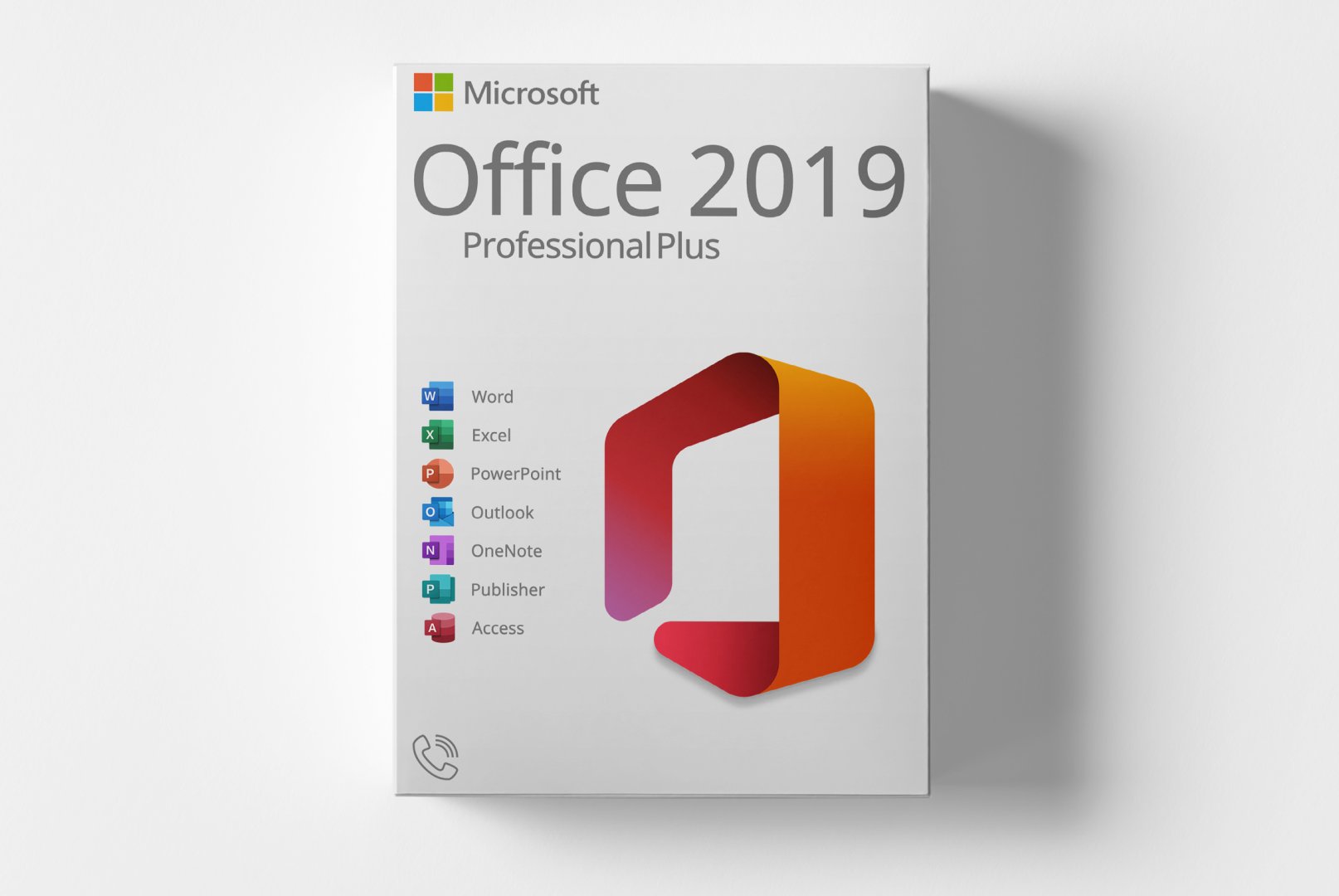
Microsoft Office 2019 Professional Plus is a comprehensive software suite designed for PC users, providing a variety of applications for office work. This edition is aimed at businesses and professional users who require powerful tools for word processing, spreadsheets, presentations, and more.
With applications like Word, Excel, PowerPoint, and Outlook, Office 2019 enables efficient and productive workflows. The software offers numerous features to enhance collaboration and data analysis, making it suitable for companies, freelancers, and self-employed professionals seeking reliable office software.
Shipping Costs: Free (Digital)
Delivery Contents: Product Code & Software Download
Condition: New
Availability: In Stock (Digital Delivery)
SKU: 4260518146058
Article number: 246
Type: Product Code
Brand: Microsoft
Region:
 Global
Platform:
 PC
PC Windows
All downloads provided here are trial versions until activated and require a valid license. Activate the software using the purchased product code as described in the "Installation & Activation" tab.
No downloads are currently available for this product.
Downloadportal & Softwareversionen Laden Sie Ihre Office-Software im Downloadportal herunter. 'Hinweis:' Die folgenden Schritte zeigen den Download & die
von Office 2019 Pro Plus.
Für Office 2007/2010/2013/2021 ist der Ablauf identisch.
Download & Entpacken
1.1 Öffnen Sie Link und klicken Sie beim gewünschten Produkt auf „Download“.
1.2 Entpacken Sie die ZIP-Datei in ein Verzeichnis Ihrer Wahl.
Setup starten Starten Sie – je nach System – die passende Batch-Datei: setup_32-Bit.bat (für 32-Bit) setup_64-Bit.bat (für 64-Bit) Nach der Deinstallation führen Sie das Setup erneut aus.
Der Installer lädt anschließend die benötigten Dateien vom Microsoft CDN und installiert Office automatisch.
2.1 Die
erfolgt – sofern in der Bestellmail nicht anders angegeben – über den Office-
sassistenten (nicht über setup.office.com).
2.2 Öffnen Sie nach der
eine Office-App (z.
B.
Word, Excel).
Der
sassistent startet automatisch.
2.3Telefonaktivierung gewählt?
Folgen Sie dieser Anleitung: Telefonische
2.4 Bei regulärem Online-Key: „Ich möchte die Software über das Internet aktivieren“ wählen → Weiter.
2.5 Produktschlüssel eingeben und
abschließen.
&
en „Dieser Produktkey ist für die Volumenlizenzversion … nicht installiert“ „VCRUNTIME140.dll / VCRUNTIME140_1.dll fehlt“
No Reviews Yet
Microsoft Office 2019 Professional Plus is a powerful office software solution specifically designed for PC users. This edition targets businesses and professional users who need a comprehensive solution for their office requirements. Office 2019 offers a wide range of applications aimed at increasing productivity and improving collaboration.
This software suite includes applications such as Word, Excel, PowerPoint, and Outlook, all designed to effectively manage daily tasks. With a user-friendly interface and numerous features, Office 2019 allows for seamless document editing, presentation creation, and email management.
Microsoft Office 2019 Professional Plus is suitable for businesses, freelancers, and self-employed individuals looking for reliable and comprehensive office software.
| Property | Details |
|---|---|
| Manufacturer | Microsoft |
| Edition | Professional |
| Version | 2019 |
| Platform | PC, Windows |
| Component | Requirement |
|---|---|
| Operating System | Windows 10 or Windows Server 2019 |
| Processor | 1.6 GHz dual-core or faster |
| RAM | 4 GB (8 GB recommended) |
| Hard Disk Space | 4 GB available |
| Screen Resolution | At least 1280 x 768 pixels |
| Graphics | DirectX 9 compatible |
| Internet Connection | Required for activation and updates |
How do I receive my product code?
The product code will be sent via email after payment and is also available in your customer account (or guest portal for guests). The activation guide and download link are also provided there.
How does activation work?
Follow the included step-by-step guide. You will download the software and activate it using the provided product key.
Note: softwarebay.de operates as an independent dealer for software codes. This specialization allows us to offer you original activation keys at particularly attractive prices.