CorelDRAW Technical Suite 2024 (PC)
121,46 ﷼
inkl. 0% MwSt. (US)
 English (US)
 Deutsch
English (US)
Deutsch
English (US)
 English (UK)
 English (Canada)
 Română
 Français
 Italiano
 Español
 Norsk
Norsk
 Svenska
 Nederlands
 Polski
 Türkçe
 Dansk
Dansk
 Čeština
 Suomi
Suomi
 Bahasa Indonesia
 Português (Brasil)
 Русский
 한국어
한국어
 العربية
 فارسی
فارسی
 हिन्दी
 Bahasa Melayu
 Tiếng Việt
 ไทย
ไทย
 Українська
 Български
 Српски
 Hrvatski
 עברית
עברית
 Ελληνικά
 Magyar
 Lietuvių
 اردو
اردو

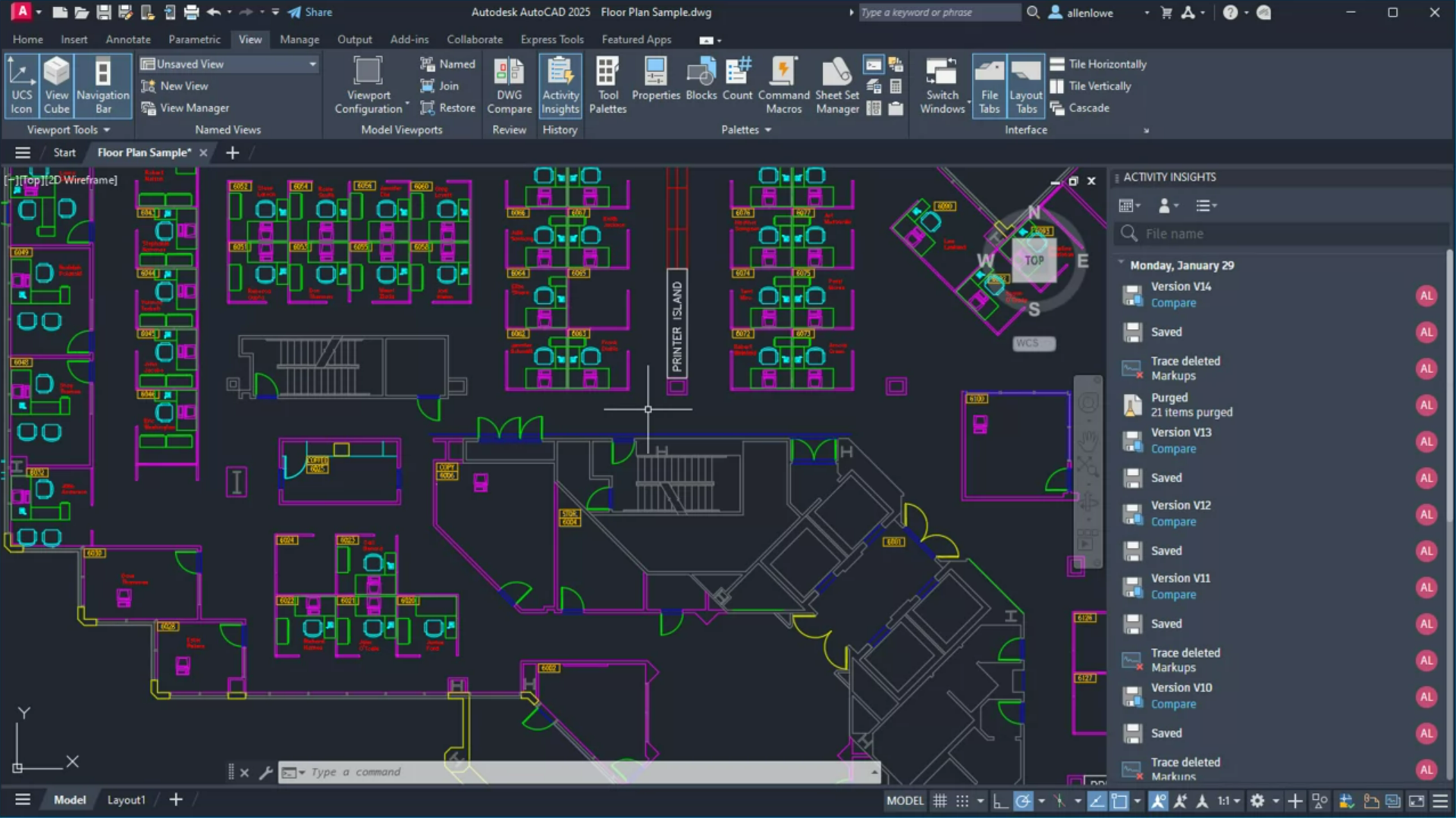
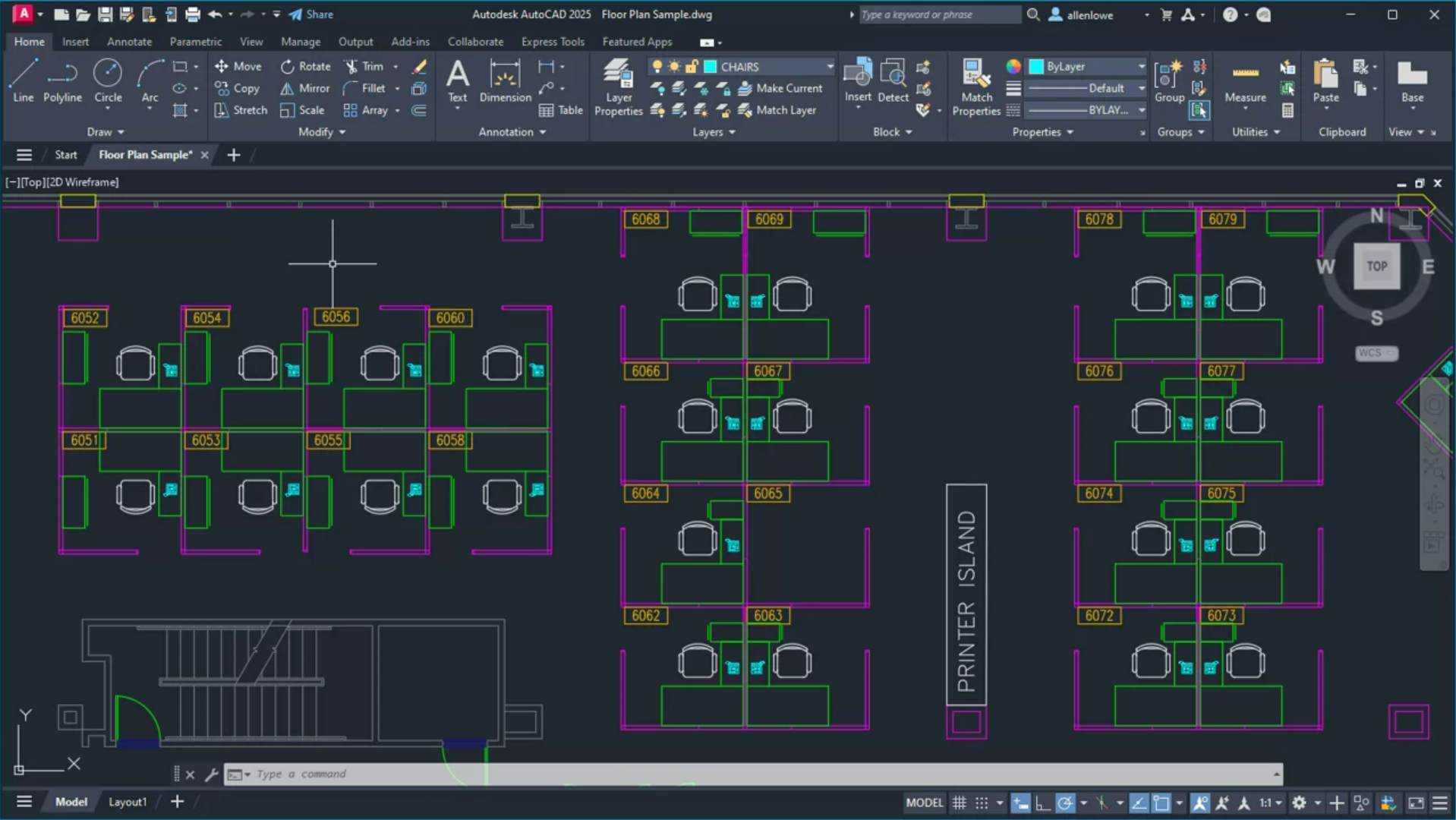
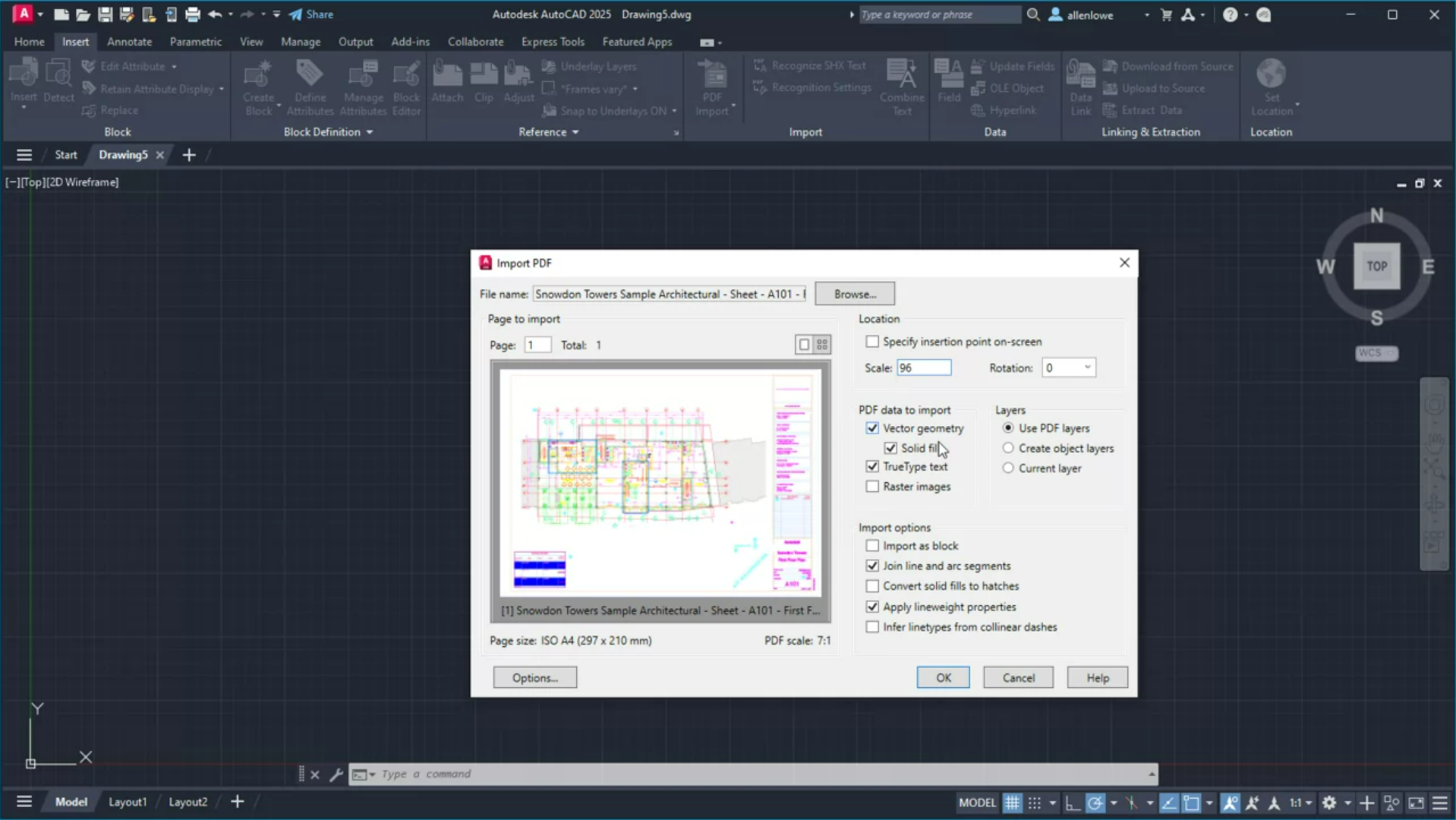
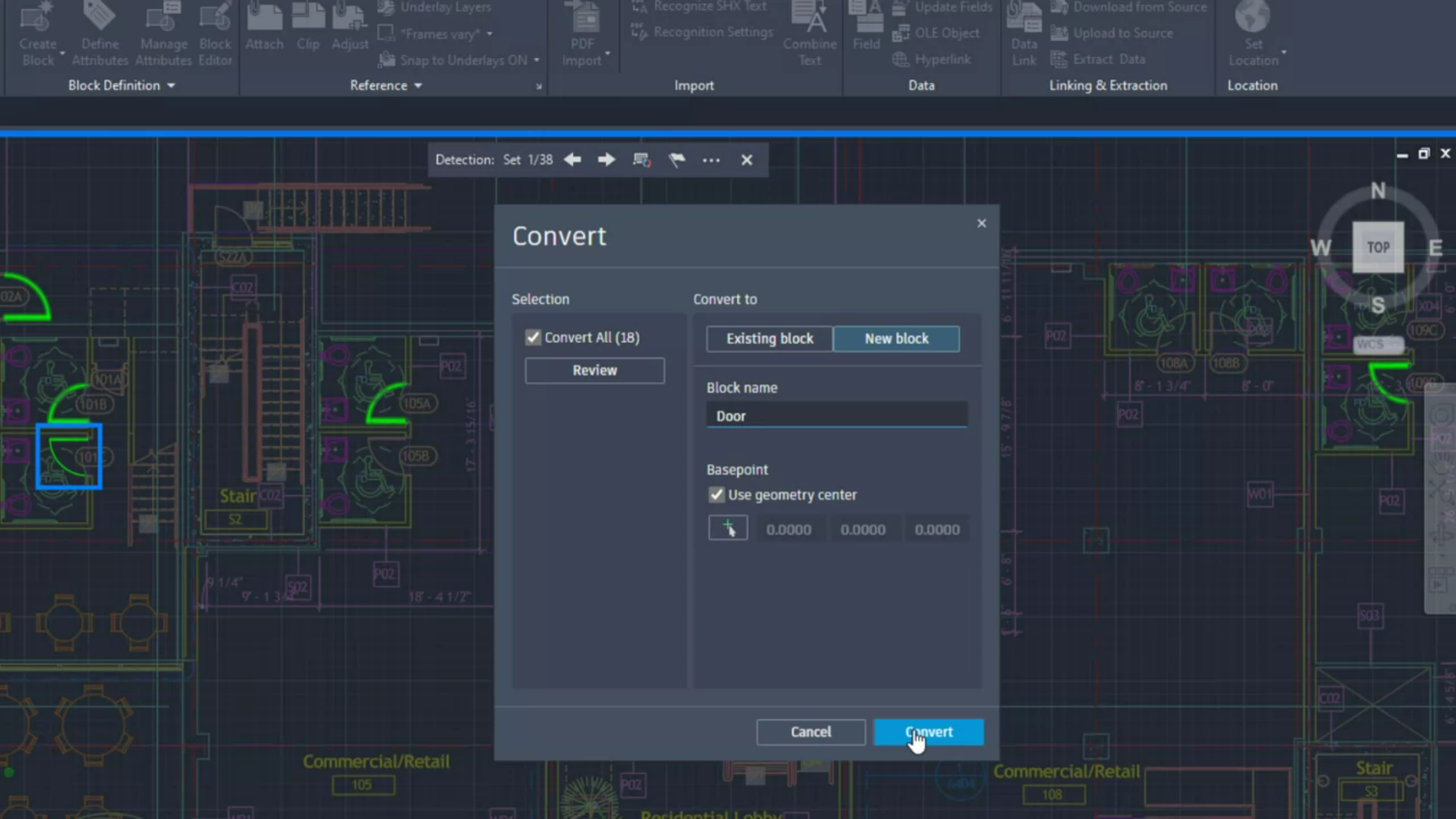
Autodesk AutoCAD 2025 is a powerful graphics software designed specifically for architects, engineers, and designers. This software enables precise drawing and modeling in both 2D and 3D, optimized for use on a PC.
Featuring intelligent tools, extensive libraries, and a user-friendly interface, AutoCAD 2025 helps users efficiently and creatively realize their projects. This product is licensed for use on one device for a duration of one year, making it suitable for individuals working in the graphics and design industry.
Shipping Costs: Free (Digital)
Delivery Contents: Product Code & Software Download
Condition: New
Availability: In Stock (Digital Delivery)
SKU: AUTODE-AUTOCA-2025-PC
Article number: 383
Type: Product Code
Brand: Autodesk GmbH
Languages: Deutsch, Englisch
Region:
 Global
Platform:
 PC
PC
All downloads provided here are trial versions until activated and require a valid license. Activate the software using the purchased product code as described in the "Installation & Activation" tab.
No downloads are currently available for this product.
No installation guide is currently available for this product.
No Reviews Yet
Autodesk AutoCAD 2025 is comprehensive graphics software aimed at architects, engineers, and designers. This software provides powerful tools for drawing and modeling in 2D and 3D, enabling the creation of complex designs and technical drawings. AutoCAD 2025 addresses the challenges of precise planning and visualization across various industries.
This is a 1-year subscription for 1 device, with no automatic renewal.
The software includes a variety of features such as intelligent drawing tools, extensive libraries of pre-designed elements, and the ability to export designs in various formats. AutoCAD 2025 allows users to work more efficiently and turn creative ideas into reality.
Autodesk AutoCAD 2025 is tailored for professionals in architecture, engineering, and design who require precise and innovative solutions.
| Feature | Details |
|---|---|
| Manufacturer | Autodesk GmbH |
| Version | 2025 |
| Platform | PC |
| Device Support | 1 device |
| Duration | 1 year |
| Component | Requirement |
|---|---|
| Operating System | Windows 10 (64-bit) or Windows 11 |
| Processor | 2.5-2.9 GHz or higher recommended |
| RAM | 8 GB (16 GB or more recommended) |
| Hard Disk Space | 10 GB or more available |
| Screen Resolution | 1920 x 1080 with True Color recommended |
| Graphics Card | DirectX 11 compatible, 1 GB GPU memory (4 GB recommended) |
| Internet Connection | Required for product code validation |
How do I receive my product code?
The product code is sent via email after payment and is also available in your customer account (or guest portal for guests). The activation guide and download link are also stored there.
How does activation work?
Follow the provided step-by-step guide. You will download the software and activate it with the received product key.
How many devices can I activate?
This product is valid for 1 device.
How long is the product valid?
This product is valid for 1 year.
Note: softwarebay.de acts as an independent retailer for software products. This specialization allows us to offer you original activation keys at particularly attractive prices.