


Android Update July 2026: New Backup Features
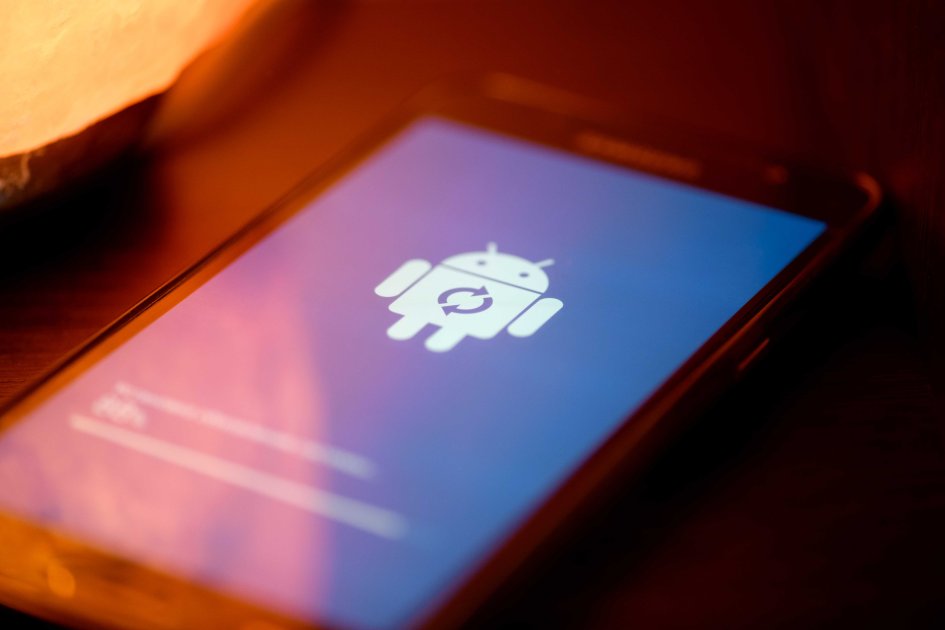
On July 6, 2026, Google released a new Google Play system update for Android users. This update brings a range of new features that enhance control over data backup on Android devices. The changes affect all Android users, regardless of the device manufacturer. One of the most significant innovations is the ability to directly manage the backup of SMS, MMS, and RCS messages.
Users can activate a new on/off switch via the settings under Accounts and Backup > Google Backup > More Device Data. This feature allows users to selectively decide which data should be stored in Google Cloud. The introduction of this feature is particularly relevant as Google has recently stopped offering free backups for Android devices. Each backup now counts against the available storage quota, which is limited to 15 GB in the free version. Users must therefore carefully consider which data they wish to back up to optimize their available storage.
In addition to managing message backups, Android is now introducing local backup for documents. This feature allows downloaded documents to be automatically saved to Google Drive. Supported file formats include .DOC, .PPT, .XLS, .PDF, and all other documents stored on the device. The transfer of documents between the device and Google services is encrypted. However, changes made to documents in one location will not be synchronized with other locations.
This gives users more control over their documents and their security. Other minor updates in the release include a redesign of in-app purchases through an improved native storefront for Google One. The transfer of work profiles to Wear OS smartwatches has also been optimized. A new location sharing feature for Chromebooks is also part of the update. Developers of Google and third-party apps will receive new features to support processes in their apps related to Google Maps.
These changes aim to improve the integration and use of Google services across various applications. To check the currently installed version of the Google Play system updates, users can navigate to Settings under Security and Privacy > Updates > Google Play System Update. There, they can also update to the latest version if available. The update is being rolled out gradually to all Android users. The new features are intended to enhance the user experience and provide users with more control over their data. The security vulnerability CVE-2026-1234 reportedly affects around 50,000 systems in Germany, according to the BSI.


💬 Comentarii (0)
Inca nu exista comentarii. Fii primul!