language
Automatically detected

We have pre-selected English and US Dollar ($) for you.

Log In
softwarebay.de
softwarebay.de

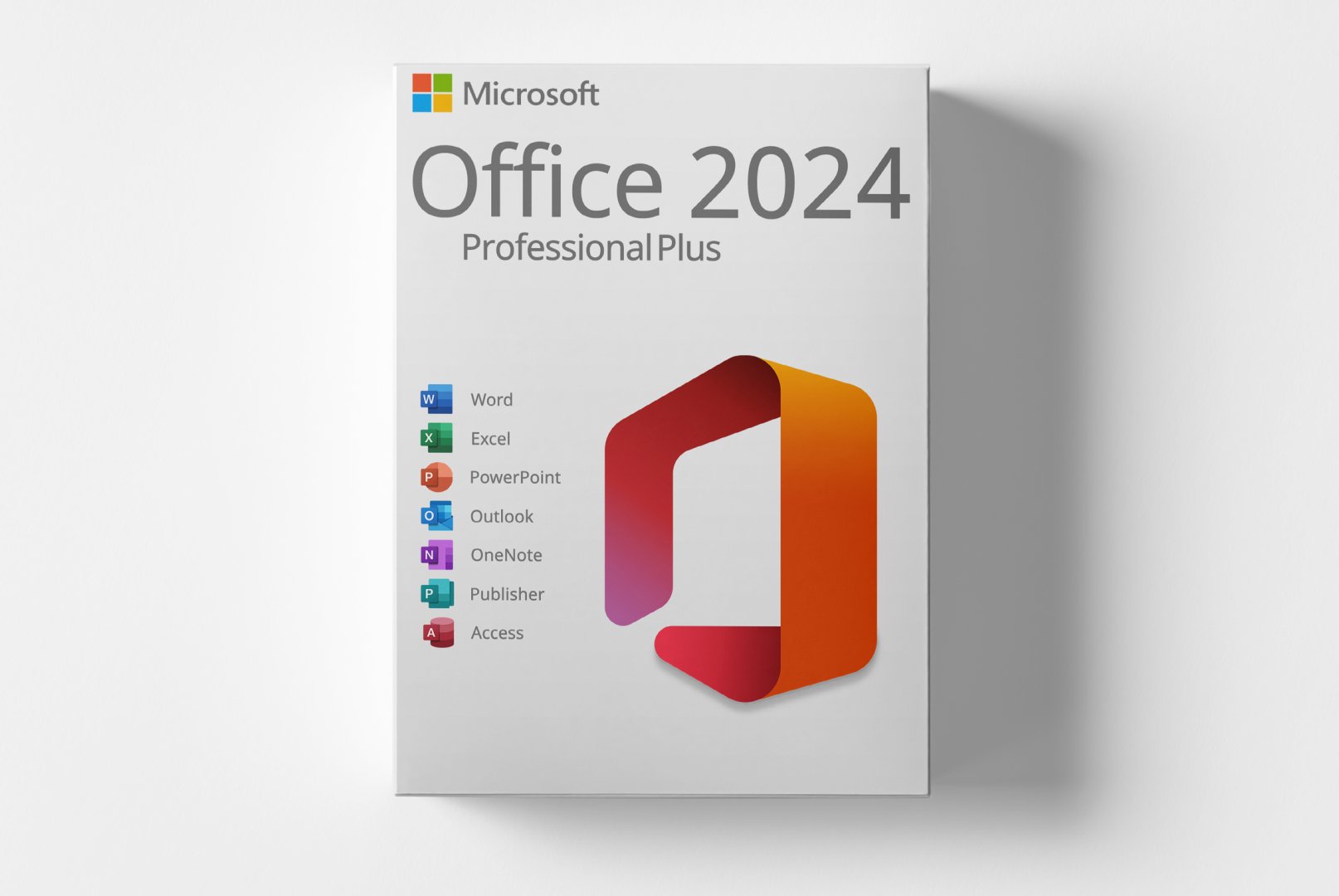
Microsoft Office 2024 Professional Plus

$ 21,59
incl. 19% VAT
Share on social media:
Currently viewed: 4 In carts: 15

Microsoft Office 2024 Professional Plus is a comprehensive software solution designed for PC users, providing a variety of applications for office tasks. This edition is suitable for businesses, freelancers, and individuals who require powerful tools for word processing, spreadsheets, presentations, and more.

With features like enhanced templates, advanced data analysis tools, and modern user interfaces, Office 2024 enables efficient and productive workflows. This software is ideal for anyone looking to optimize their office work.

  • email Digital delivery via email and customer account after payment confirmation
  • download Software download directly from manufacturer
  • description Detailed activation instructions included
  • cloud_done Purely digital product without physical media
  • support_agent Support available for installation and activation
  • verified_user Product code accessible anytime in customer account
check_circle Can be activated in your region

Shipping Costs: Free (Digital)

Delivery Contents: Product Code & Software Download

Condition: New

Availability: In Stock (Digital Delivery)

SKU: 08721098483699

Article number: 304

Type: Product Code

Brand: Microsoft

Region: GLOBALGlobal

Platform: PCPCWindowsWindows

info

Important Information about Downloads

All downloads provided here are trial versions until activated and require a valid license. Activate the software using the purchased product code as described in the "Installation & Activation" tab.

info

No downloads are currently available for this product.

description Installations- und Aktivierungsanleitung

1️⃣ Schritt: Vorhandene Office-Versionen vollständig entfernen Damit die

Installation

reibungslos funktioniert, müssen alle zuvor installierten Office-Versionen deinstalliert werden.

Andernfalls kann es zu

Aktivierung

s- oder

Installation

sfehlern kommen.

Microsoft stellt hierfür ein offizielles Bereinigungstool zur Verfügung: 👉 Microsoft Fix-It Tool herunterladen Starten Sie das Tool, wählen Sie „Alle Office-Versionen entfernen“ und führen Sie anschließend einen Neustart Ihres PCs durch.

2️⃣ Schritt: Microsoft Office 2024 herunterladen Besuchen Sie unser Download-Portal und wählen Sie: „Microsoft Office“ → „Microsoft Office 2024 Professional Plus – Deutsch“ Klicken Sie dort auf den Download-Button.

Sie werden automatisch zum Cloudanbieter weitergeleitet.

Dort wählen Sie die Datei Office_2024_DE_64Bits.exe (für 64-Bit-Systeme) oder alternativ die 32-Bit-Version und starten den Download.

Direkter Link: Link open_in_new 3️⃣ Schritt: Vorbereitung vor der

Installation

Deaktivieren Sie vorübergehend Ihr Antivirenprogramm, um eine problemlose

Installation

zu gewährleisten.

Einige Sicherheitsprogramme (z.

B.

Norton, Kaspersky) können die

Installation

sdatei fälschlicherweise blockieren.

Klicken Sie anschließend mit der rechten Maustaste auf die heruntergeladene Datei und wählen Sie „Als Administrator ausführen“.

Sie finden die Datei in der Regel im Ordner „Downloads“ Ihres Computers.

4️⃣ Schritt: Sicherheitsabfrage bestätigen Wenn Windows eine Sicherheitswarnung anzeigt, bestätigen Sie diese bitte mit „Ja“.

Dieser Schritt ist normal und sicher.

5️⃣ Schritt: Office installieren Klicken Sie im nächsten Fenster auf „Installieren“.

Das Setup entpackt und installiert automatisch alle Komponenten von Microsoft Office 2024.

Dieser Vorgang kann je nach System einige Minuten dauern – bitte warten Sie, bis die

Installation

vollständig abgeschlossen ist.

6️⃣ Schritt:

Aktivierung

Ihres Produkts Nach Abschluss der

Installation

öffnen Sie bitte eine beliebige Anwendung, z.

B.

Word oder Excel.

Beim ersten Start erscheint die Aufforderung, den Produktschlüssel einzugeben.

Sollte keine Abfrage erscheinen, öffnen Sie Word → Datei → Konto → Produktkey ändern und tragen Sie Ihren Lizenzcode dort manuell ein.

translate Some reviews may have been automatically translated.
rate_review

No Reviews Yet

Write a Review

star_border star_border star_border star_border star_border
Klicken Sie auf die Sterne um zu bewerten
Ihre E-Mail wird nicht veröffentlicht

Product Description

Microsoft Office 2024 Professional Plus is a robust office software designed for PC users. This edition caters to businesses, freelancers, and individuals seeking a comprehensive solution for their office tasks. Office 2024 offers a plethora of applications that enhance productivity and facilitate collaboration.

The software includes popular programs such as Word, Excel, PowerPoint, and Outlook, all equipped with new features and improvements. This version allows users to work more efficiently and successfully execute their projects.

Main Features

  • Enhanced templates for documents and presentations
  • Advanced data analysis tools in Excel for deeper insights
  • Modern user interfaces for intuitive operation
  • Integration of cloud services for flexible work
  • Expanded real-time collaboration features

Who is this product for?

Microsoft Office 2024 Professional Plus is suitable for businesses, freelancers, and individuals who need powerful office applications.

  • Businesses looking for efficient office software for their employees
  • Freelancers who need to create professional documents and presentations
  • Private users wanting to optimize their office work

Technical Details

FeatureDetails
ManufacturerMicrosoft
EditionProfessional
Version2024
PlatformPC, Windows
RegionGlobal

System Requirements

ComponentRequirement
Operating SystemWindows 10 (Version 1909 or higher) or Windows 11
ProcessorDual-core processor with 1.6 GHz or faster (2.4 GHz recommended)
RAM4 GB (8 GB or more recommended)
Disk Space4 GB available (10 GB recommended for updates)
Screen ResolutionAt least 1280 x 768 pixels
GraphicsDirectX 9 compatible, WDDM 2.0 or higher
Internet ConnectionRequired for activation, updates, and cloud features

Delivery and Activation

  • Product Code Access: The digital product code will be sent via email after payment is received and will also be accessible in your customer account (or guest portal).
  • Download: Software download link will be provided after purchase.
  • Activation Guide: A detailed step-by-step guide for activation will be sent via email and will also be available in your customer account/guest portal.
  • Included: Product key, download link, activation guide.
  • Note: Purely digital product without physical media (no USB stick, no DVD).

Frequently Asked Questions

How do I receive my product code?
The product code will be sent via email after payment is received and will also be available in your customer account (or guest portal for guests). The activation guide and download link will also be available there.

How does activation work?
Follow the provided step-by-step guide. You will download the software and activate it with the product key received.

Note: softwarebay.de acts as an independent retailer for software products. This specialization allows us to offer you original activation keys at particularly attractive prices.
Live-Support verfügbar
Romina M.
Romina M.
check_circle Brasov
Hallo! 👋 Ich bin Romina. Haben Sie Fragen zu unseren Produkten oder benötigen Sie Hilfe?
chat_bubble