


 Digital Product
Microsoft Office 2019 Professional Plus
$ 21,59
incl. 19% VAT (DE)
We have pre-selected English and US Dollar ($) for you.
 English (US)
 Deutsch
English (US)
Deutsch
English (US)
 Română

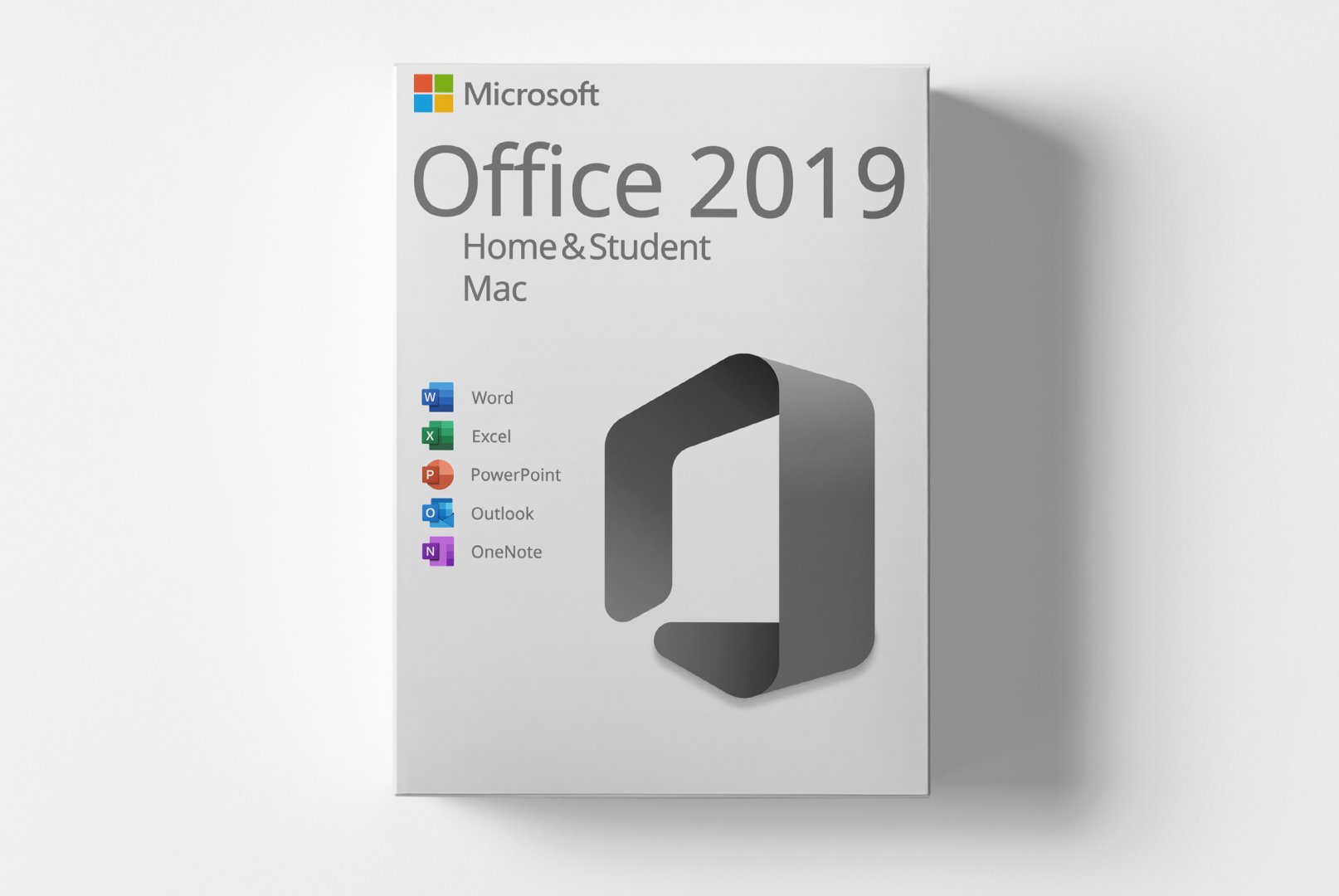
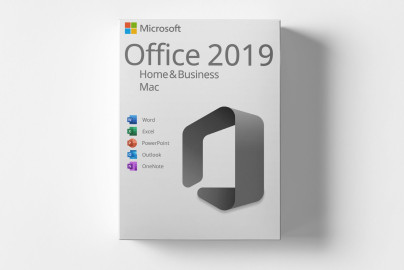
Microsoft Office 2019 Home and Student for Mac is a complete software solution designed specifically for students. This version includes essential applications such as Word, Excel, and PowerPoint, enabling productive work.
With features like enhanced templates, integrated learning aids, and a user-friendly interface, Office 2019 supports efficient document, spreadsheet, and presentation creation, making it ideal for students aiming to excel in their academic tasks.
Shipping Costs: Free (Digital)
Delivery Contents: Product Code & Software Download
Condition: New
Availability: In Stock (Digital Delivery)
SKU: 00889842326581
Article number: 251
Type: Product Code
License model: Digital license key
Brand: Microsoft
Region:
 Global
Platform:
 MAC
MAC
All downloads provided here are trial versions until activated and require a valid license. Activate the software using the purchased product code as described in the "Installation & Activation" tab.
No downloads are currently available for this product.
No installation guide is currently available for this product.
No Reviews Yet
Microsoft Office 2019 Home and Student for Mac is a powerful software suite tailored for students. This version offers a wide range of applications essential for creating documents, spreadsheets, and presentations. Office 2019 empowers users to complete their academic tasks efficiently and boosts their productivity.
This product is offered with a one-time purchase, eliminating the need for subscription commitments. You receive all the necessary applications to meet your study and work requirements without worrying about monthly fees.
The main applications include Word for word processing, Excel for spreadsheets, and PowerPoint for presentations. Each application is equipped with various features that facilitate work and enhance creativity.
Microsoft Office 2019 Home and Student is ideal for students, learners, and anyone needing a reliable software solution for their academic and personal projects.
| Property | Details |
|---|---|
| Manufacturer | Microsoft |
| Edition | Home |
| Version | 2019 |
| Platform | MAC |
| Component | Requirement |
|---|---|
| Operating System | macOS Mojave (10.14) or later |
| Processor | 1.6 GHz Dual-Core or faster |
| RAM | 4 GB (8 GB recommended) |
| Hard Disk Space | 4 GB available |
| Screen Resolution | At least 1280 x 768 pixels |
| Graphics | DirectX 9 compatible |
| Internet Connection | Required for activation and updates |
How do I receive my product code?
The product code will be sent via email after payment and is also available in your customer account (or guest portal for guests). The activation guide and download link are also provided there.
How does activation work?
Follow the included step-by-step guide. You will download the software and activate it using the provided product key.
In which region is the product code valid?
This product code can be activated globally.
Note: softwarebay.de operates as an independent retailer for software products. This specialization allows us to offer you original activation keys at particularly attractive prices.
Digital Product
 Digital Product
 Digital Product
 Digital Product