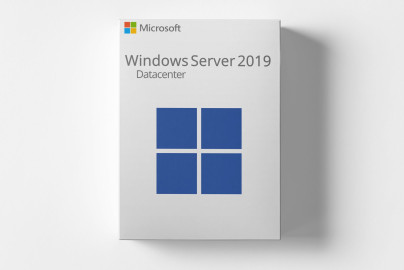
Microsoft Windows Server 2019 DataCenter
72.486 ₩
inkl. 0% MwSt. (IL)
 עברית
עברית
 Deutsch
 English (US)
 English (UK)
 English (Canada)
 Română
 Français
 Italiano
 Español
 Norsk
Norsk
 Svenska
 Nederlands
 Polski
 Türkçe
 Dansk
Dansk
 Čeština
 Suomi
Suomi
 Bahasa Indonesia
 Português (Brasil)
 Русский
 한국어
한국어
 العربية
 فارسی
فارسی
 हिन्दी
 Bahasa Melayu
 Tiếng Việt
 ไทย
ไทย
 Українська
 Български
 Српски
 Hrvatski
עברית
Hrvatski
עברית
 Ελληνικά
 Magyar
 Lietuvių
 اردو
اردو

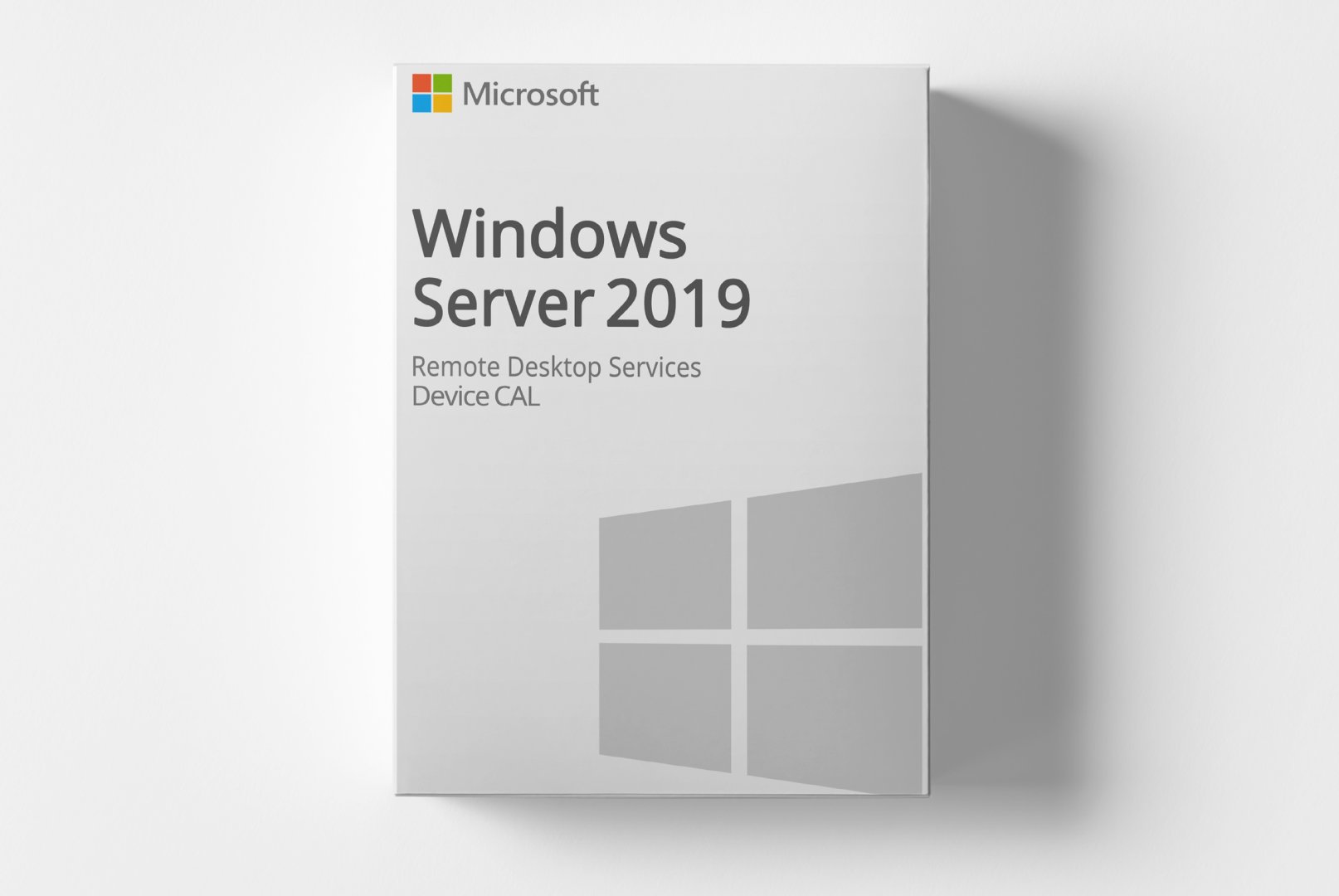
Microsoft Windows Server 2019 RDS – Device CALs is a digital product code designed for utilizing Remote Desktop Services on Windows Server 2019. This product allows multiple users to access a server and run applications, making it particularly beneficial for businesses and organizations.
With this product code, you can efficiently use Remote Desktop Services, simplifying the management of user sessions and applications, ideal for companies needing a flexible and scalable server solution.
עלות משלוח: חינם (דיגיטלי)
תכולת המשלוח: קוד מוצר & הורדת תוכנה
מצב: חדש
זמינות: זמין מיידית
SKU: 0889842427202
מק״ט מוצר: 409
סוג: Code
מותג: Microsoft
אזור:
 Global
 Europe
פלטפורמה:
 PC
PC Microsoft Aktivierungsassistent
Alle hier bereitgestellten Downloads sind bis zur Aktivierung Testversionen und benötigen eine gültige Lizenz. Aktivieren Sie die Software mittels des erworbenen Produktcodes, wie im Tab "Installation & Aktivierung" angegeben.
כרגע אין הורדות זמינות עבור מוצר זה.
כרגע אין מדריך התקנה זמין עבור מוצר זה.
עדיין אין דירוגים
Microsoft Windows Server 2019 RDS – Device CALs is a product code that enables devices to access the Remote Desktop Services of Windows Server 2019. This offering is tailored for businesses requiring centralized management of applications and user sessions. It addresses the challenges of user management, allowing seamless access to server resources from various devices.
This is a retail product without subscription commitments. With this product code, you can leverage the benefits of Remote Desktop Services to create an efficient work environment that allows access to applications and data from multiple locations.
The core features include support for multiple user sessions, centralized management of applications on a single server, and the capability to access the server from various devices. This product is especially useful for companies promoting remote work or requiring a flexible IT infrastructure.
This product is aimed at businesses and organizations looking to utilize Remote Desktop Services to enable their employees' access to applications and data.
| Property | Details |
|---|---|
| Manufacturer | Microsoft |
| Version | 2019 |
| Platform | PC, Microsoft Activation Assistant |
| Component | Requirement |
|---|---|
| Device Type | PC or Server |
| CPU | 1.4 GHz 64-bit processor compatible with x64 instruction set |
| RAM | Minimum 2 GB for Server Core, 2 GB for Server with Desktop Experience; Recommended 4 GB |
| Storage | At least 32 GB of free space |
| Network | Ethernet adapter with at least 1 Gbps throughput |
How do I receive my product code?
The product code will be sent via email after payment is received and is also available in your customer account (or guest portal for guests). The activation guide and download link are also stored there.
How does activation work?
Follow the provided step-by-step guide. You will download the software and activate it using the received product key.
Note: softwarebay.de operates as an independent retailer of software product codes. This specialization allows us to offer you original activation keys at particularly attractive prices.